Interact with Beetle
Learn how to use Beetle and get the most out of your code reviews. From installation to advanced commands.
How to Interact with Beetle
Learn how to use beetle and how beetle worksConnect Code Provider
Authorize Beetle to access your repositories on GitHub or Bitbucket.
Add and Sync Repositories
Add repos from GitHub and sync to fetch branches, issues, and PRs.
Run Analyses
- Once repos are connected, PR analysis will automatically enabled
- Comment
@beetleon any PR to start analysis manually - Comment
@beetle stopto stop any ongoing analysis

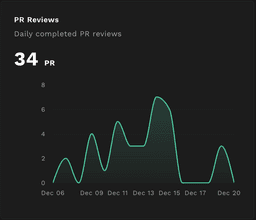
Review Insights
- View detailed analysis statistics on your dashboard
- Track PR reviews and code quality metrics over time
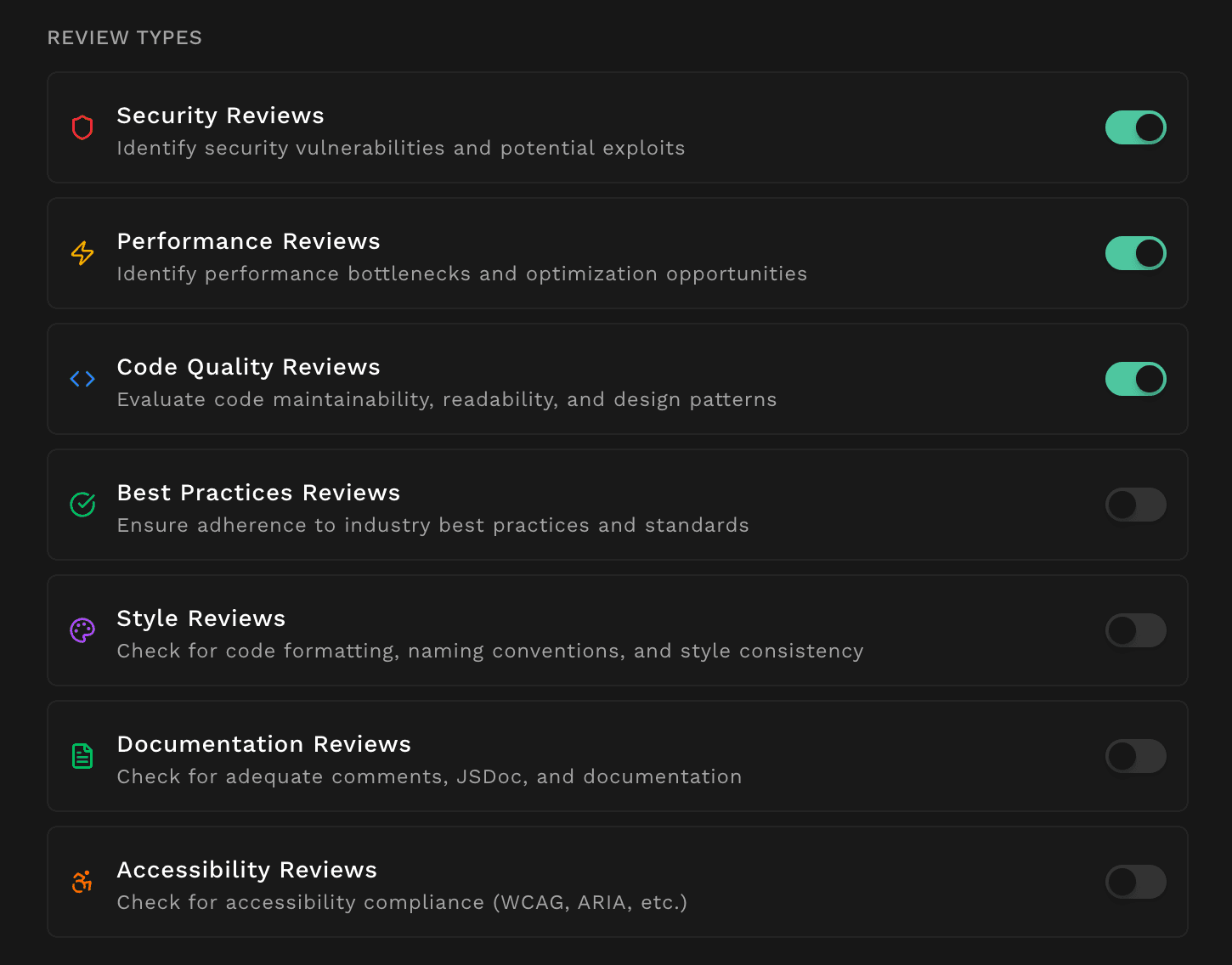
Custom Context
- Define project-specific rules and guidelines for Beetle to follow
- Provide documentation, coding standards, or architectural patterns
- Ensure reviews align perfectly with your team's preferences
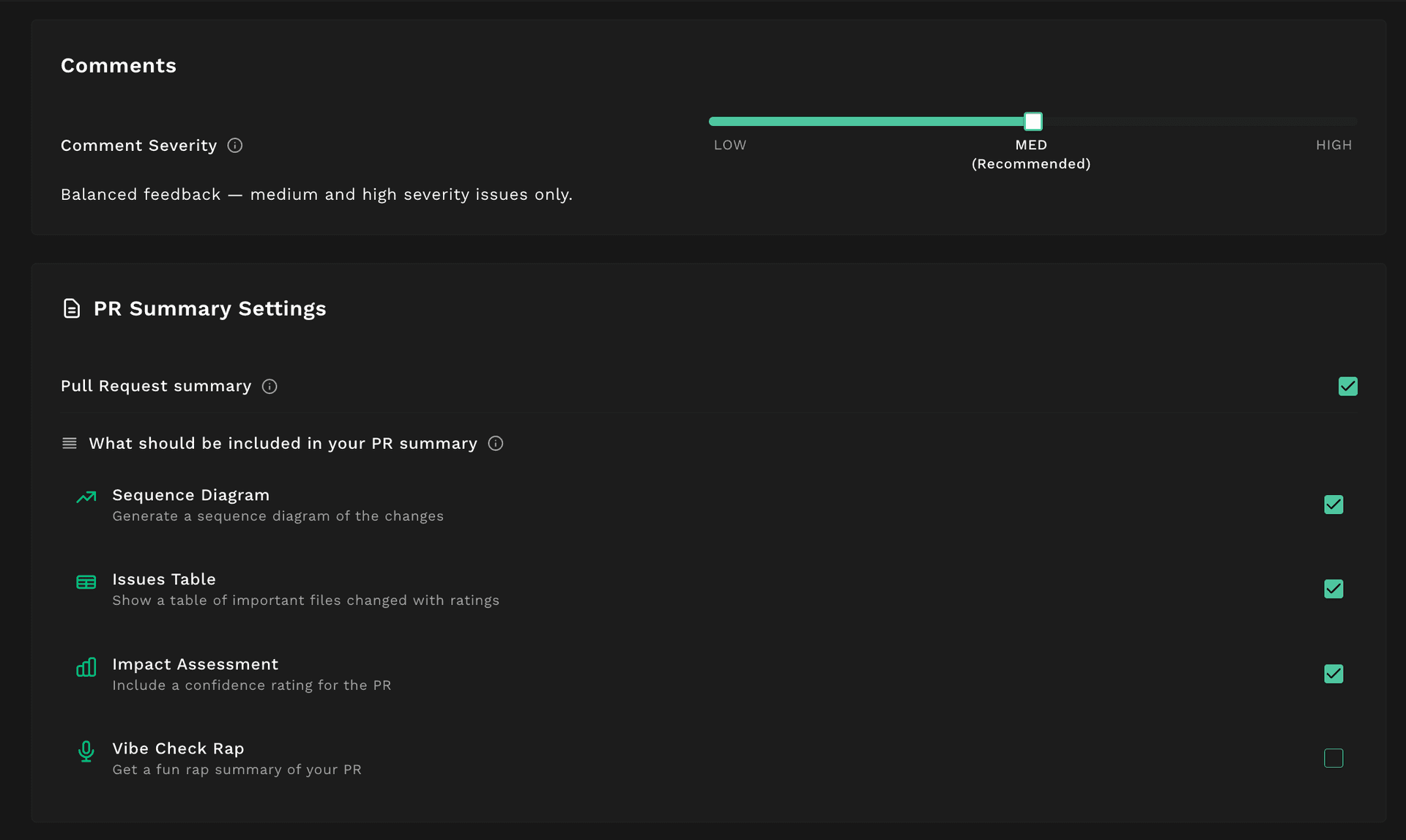
Customise your Experience
- Adjust comment severity thresholds (Low, Medium, High)
- Customize PR summary sections: diagrams, impact tables, and more
- Toggle advanced features like Vibe Check Rap summaries
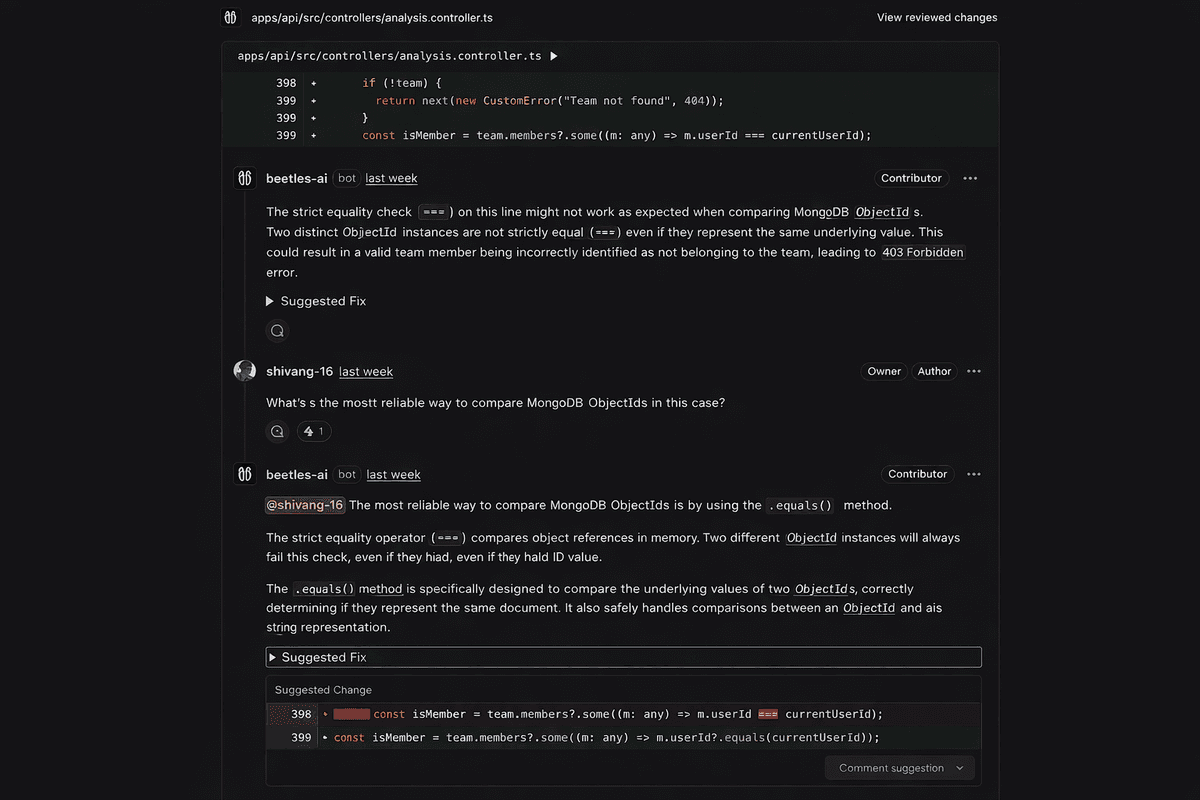
Ask Questions on PRs
- Tag
@beetle-aiin any PR comment to ask questions - Get instant answers about code changes, logic, or suggestions
- Works on any PR in your connected repositories
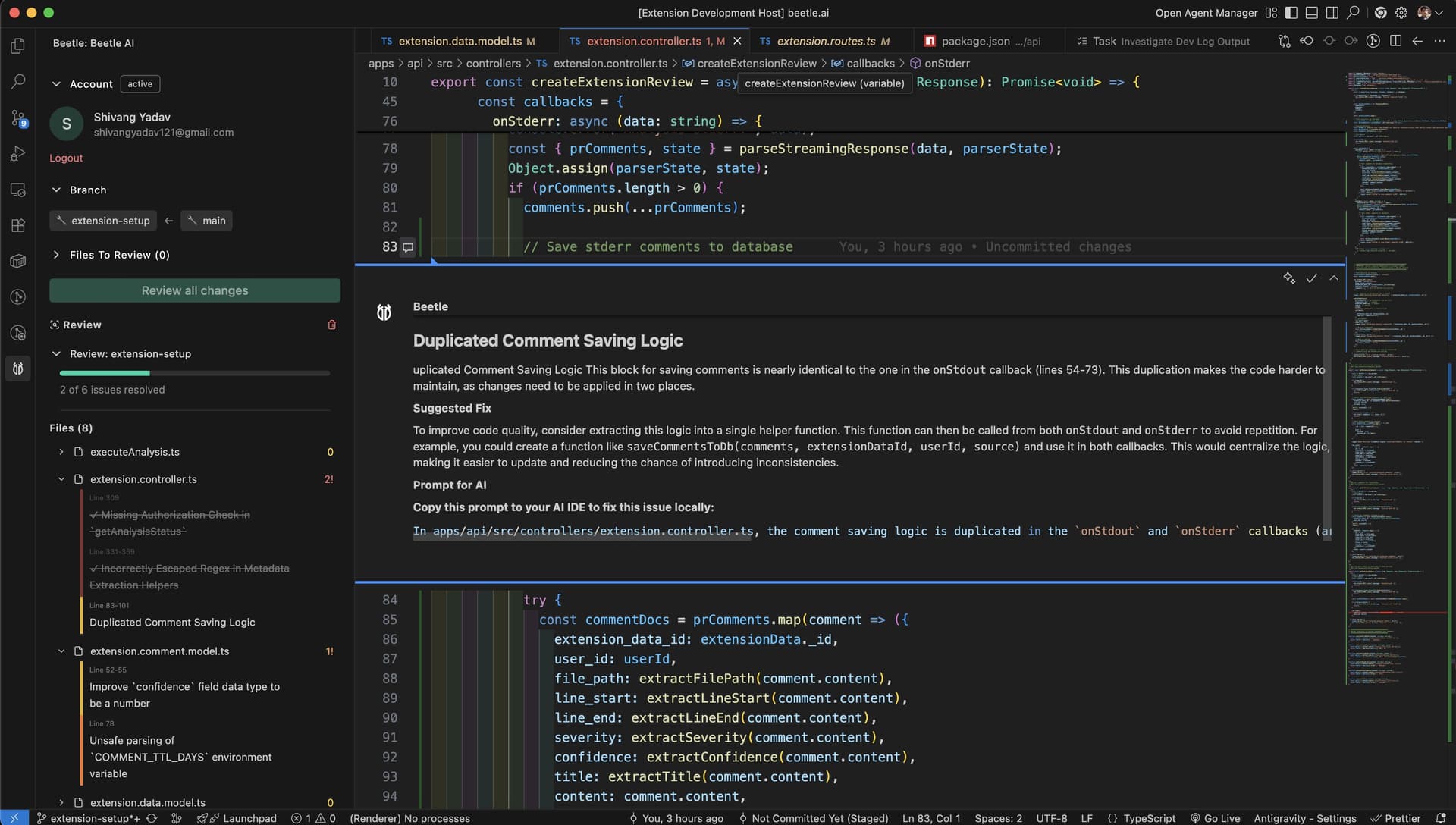
Beetle IDE Extension
- Review code changes before committing right inside your IDE
- Get suggestions and improvements in real-time
- Available for VS Code, Cursor, Antigravity and more